

Integrating the NOUS E10 ZigBee Smart CO₂, Temperature & Humidity Detector with ZHA
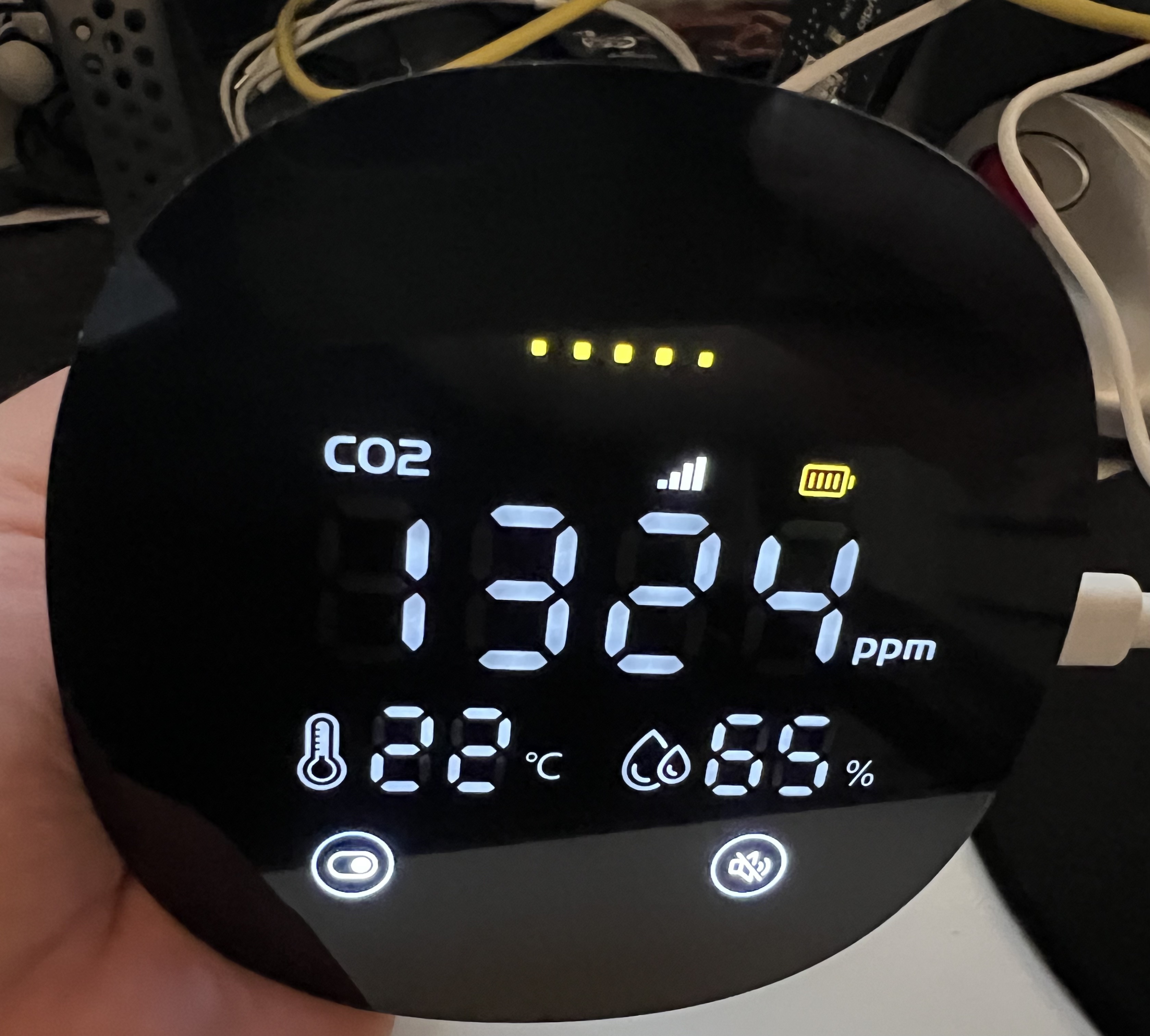
My friend Tomáš recently gave me a NOUS E10 ZigBee Smart CO₂, Temperature & Humidity Detector. It is a compact ZigBee device that, on paper, integrates with Home Assistant. However, as is often the case with smart home hardware, the reality is slightly more nuanced. Home Assistant offers two primary ways to integrate Zigbee devices: Zigbee2MQTT and ZHA (Zigbee Home Automation). I started out with ZHA when I first installed Home Assistant. There is no way, as far as I know, to migrate between the two without re-adding all of your devices, so, 25 (now 26) devices in, I am on team ZHA. While the NOUS E10 was already fully supported in Zigbee2MQTT, it was not functional in ZHA.
The Tuya Rebrand Rabbit Hole
I did some reading and it seemed that between what the folks who did the Zigbee2MQTT integration figured out and the fact that the device is really a Tuya rebranded object in disguise, writing the integration should be achievable with my level of skill and general coding/technical experience. Tuya is a massive OEM (Original Equipment Manufacturer) that produces a vast array of smart home devices sold under hundreds of different brand names, so while the devices vary, the overall concept is fairly well understood.
The challenge with Tuya devices is that they often use a proprietary Zigbee cluster to communicate data. Instead of using the standard Zigbee clusters for temperature or humidity, they wrap everything in their own protocol. To make these devices work in ZHA, you need a “quirk.” A quirk is essentially a Python-based translator that tells ZHA how to interpret these non-standard messages and map them to the standard Home Assistant entities.
Developing the Quirk with AI
Because Tuya devices and the quirk concepts are fairly well understood this is a great use case for an LLM model. I did some ideating with Google Gemini and plugged in all the values I could find from the Zigbee2MQTT source code and the device’s own signature. Using an LLM for this was surprisingly effective - it helped me scaffold the Python classes and identify which Tuya data points mapped to which sensors. Honestly, all it got wrong was guessing that values were reported as deciunits (value times 10, i.e. 21.1 is reported as 211) when for this specific device, values are reported directly.
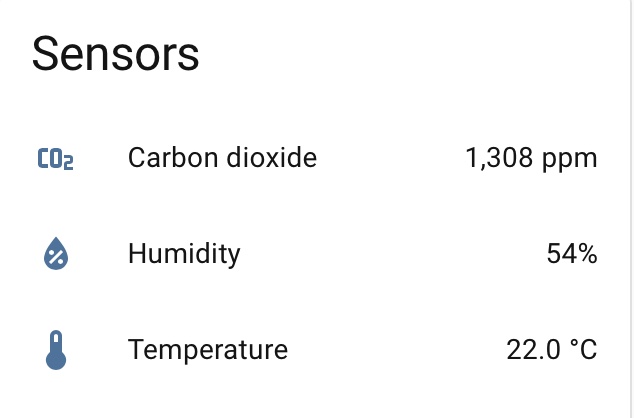
However, I hit multiple challenges, centered on this device not seeming to ever throw debug data. Usually, when you are developing a quirk, you can watch the Home Assistant logs to see the raw Zigbee frames coming in. You look for the “magic numbers” that change when you breathe on the sensor (CO₂). For some reason, the NOUS E10 was incredibly quiet. It took a lot of trial and error - and several restarts of the Zigbee network - to finally see the data flowing correctly. Eventually, I had a functional quirk that correctly reported CO₂ levels, temperature, and humidity.
Contributing to the Ecosystem
If you write a quirk, you’re encouraged to contribute it to the Zigpy ZHA Device Handlers Repository. This is the central hub for all ZHA quirks, and once a quirk is merged there, it eventually makes its way into a standard Home Assistant release. I worked on a basic test case, and cleaned up my code to match the code standards and general concepts used in similar quirks.
I have submitted this pull request and I’m waiting for feedback. I’m expecting to need to make corrections as this is my first time doing this kind of a contribution. While I have validated that the code works in my own environment, “working” and “ready for contribution” are not always the same thing. There are coding standards, naming conventions, and architectural patterns that the maintainers (rightly) insist upon to keep the codebase maintainable.
How to Use the Quirk Today
If you happen to have one of these and you use ZHA in Home Assistant, you can use the quirk right now without waiting on the merge. To do this, you need to save the actual python code in a custom quirks directory in your Home Assistant install. Typically, you would use /config/zha_quirks.
After you do that, update your configuration.yaml to add the quirk directory as follows:
zha:
  custom_quirks_path: /config/zha_quirks/
Then restart Home Assistant, pair your device, and, as a different friend would say, “Robert is your father’s brother.” It is a small but satisfying victory to take a non-working device and make it fully functional through a bit of code and community knowledge and advice.